LiveTongue
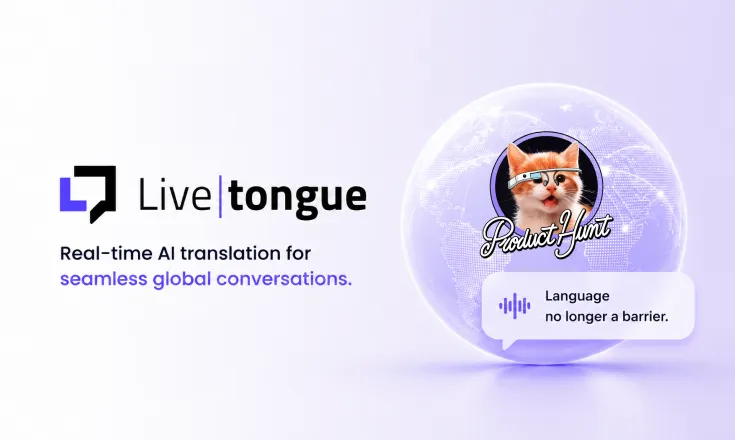
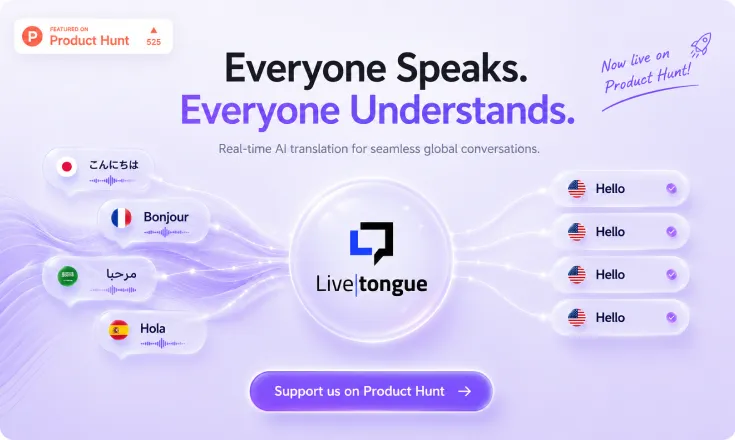
Translate meetings in real time on Zoom, Meet, and Teams. No more language barriers.
Overview
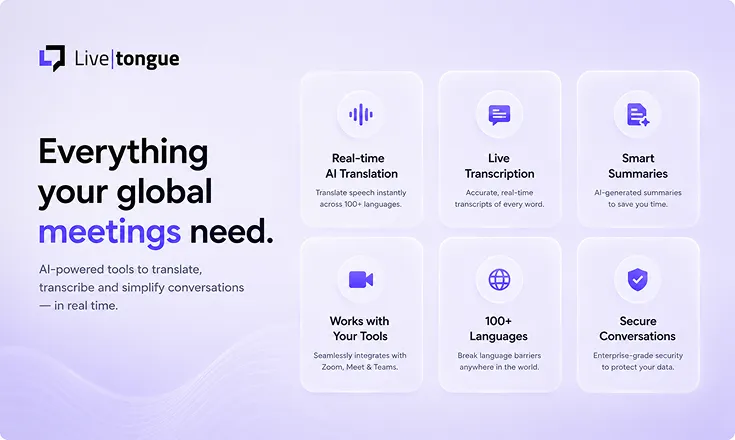
LiveTongue is an AI-powered meeting assistant that seamlessly integrates with Zoom, Google Meet, and Microsoft Teams. It captures every word, provides live translation, generates accurate transcripts with speaker identification, and offers searchable meeting records with AI summaries. Designed for global teams, it enables natural communication across languages without interpreters or missed context.
Key Features
Real-time translation for 30+ languages
Integration with Zoom, Google Meet, and Microsoft Teams
Accurate transcripts with speaker recognition
Searchable meeting records with keyword highlights
AI-powered meeting summaries and action items
Live captions and subtitles displayed during calls
Custom glossary for industry-specific terms
Post-meeting analytics and language usage reports
Role-based access and admin controls
Export transcripts and summaries in multiple formats
Pros & Cons
Pros
- arrow_right + Seamless integration with major video conferencing tools
- arrow_right + Very high translation accuracy and low latency
- arrow_right + Speaker recognition for clear transcript attribution
- arrow_right + AI summaries save time and improve productivity
- arrow_right + Customizable glossary for specialized vocabulary
Cons
- arrow_right - Free plan limited to 30-minute meetings
- arrow_right - Requires stable internet for real-time translation
- arrow_right - Limited language support compared to some competitors
- arrow_right - No offline mode
Pricing Details
LiveTongue offers Flexible Plans:
- Free Plan: Limited to 30-minute meetings, basic translation, and transcripts.
- Pro Plan ($19/month): Up to 4 hours of meeting time, advanced translation, speaker recognition, and searchable transcripts.
- Team Plan ($49/month per user): Unlimited meeting time, AI summaries, integrations with CRM, and admin controls.
- Enterprise Plan: Custom pricing with dedicated support, SSO, and on-premise deployment.
FAQ
Which platforms does LiveTongue support?
expand_moreLiveTongue works with Zoom, Google Meet, and Microsoft Teams.
Do I need to install anything?
expand_moreNo, it works as a browser extension or a web app that joins the call.
How accurate is the translation?
expand_moreWe use state-of-the-art AI with >95% accuracy for supported languages.
Is my meeting data secure?
expand_moreYes, all data is encrypted in transit and at rest. Enterprise plans offer on-premise deployment.
Can I try before buying?
expand_moreYes, we have a free plan for meetings up to 30 minutes.
How many languages are supported?
expand_moreCurrently 30+ languages with continuous additions.
User Reviews
Share your experience
Please sign in to leave a star rating and detailed review for this tool.
No reviews yet.
Smart Alternatives & Comparison
Compare LiveTongue side-by-side with other leading tools in the same category.
| Criteria |
LiveTongue
This Tool
|
|||
|---|---|---|---|---|
| Overview | Translate meetings in real time on Zoom, Meet, and Teams. No more language barriers. | Turn any audio into structured notes, summaries, and more – with time-linked citations. Free daily, no signup required. | Get a free personalized AI risk report for your job. Find automation risks, skill gaps, and a 30-day action plan. | Get an honest AI-powered analysis of your startup idea in 30 seconds. No signup needed. |
| Pricing Model | Freemium | Freemium | Freemium | Freemium |
| Community Rating |
star
0.0
(0)
|
star
0.0
(0)
|
star
0.0
(0)
|
star
0.0
(0)
|
| Developer API | cancel Not Available | cancel Not Available | cancel Not Available | cancel Not Available |
| Open Source | lock Proprietary | lock Proprietary | lock Proprietary | lock Proprietary |
| Action | Visit Web open_in_new |